 Zentek Studio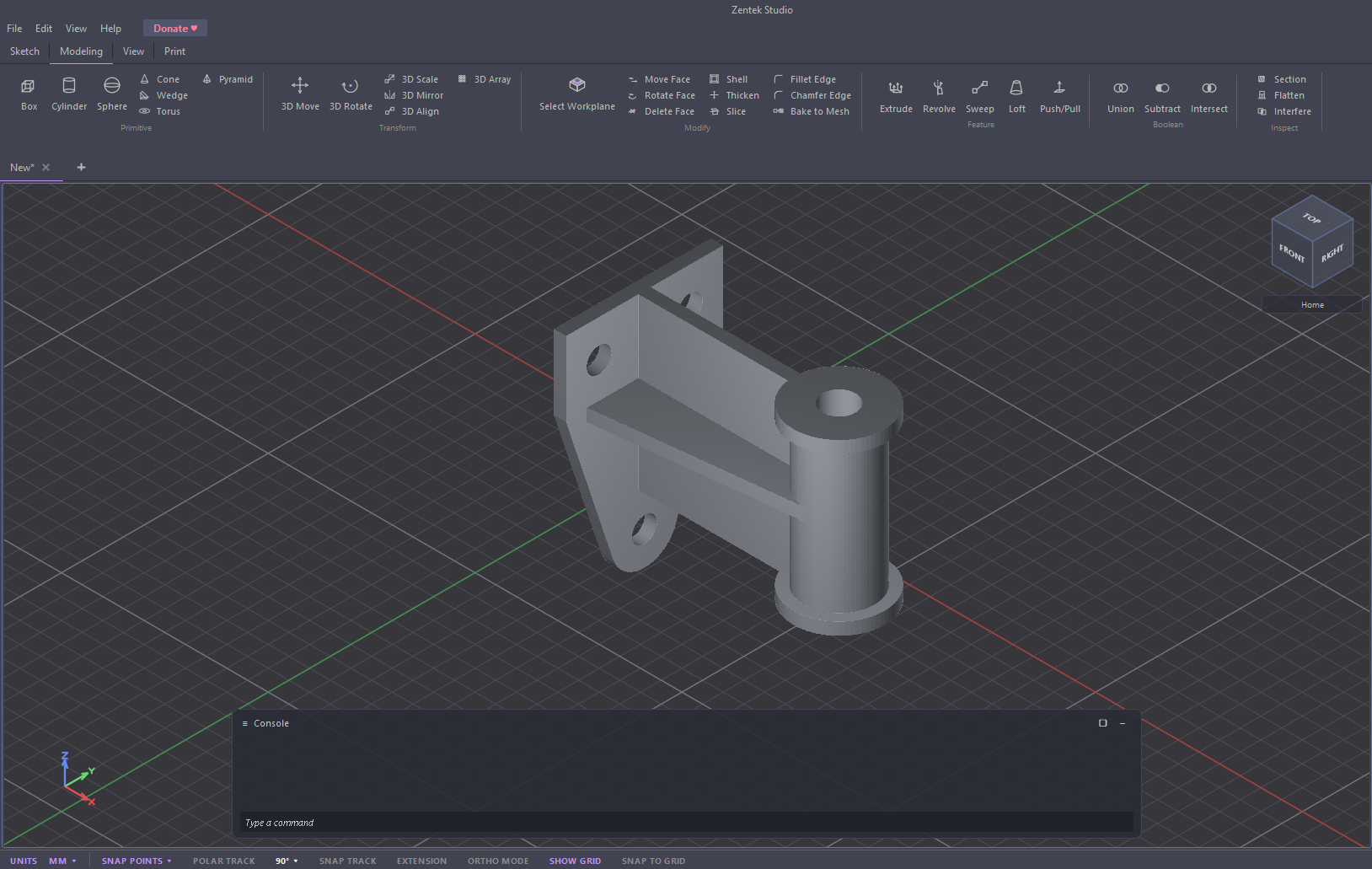
Everything you need to draft and model
One tool for 2D drawings and 3D parts — precise, fast, and entirely on your machine.
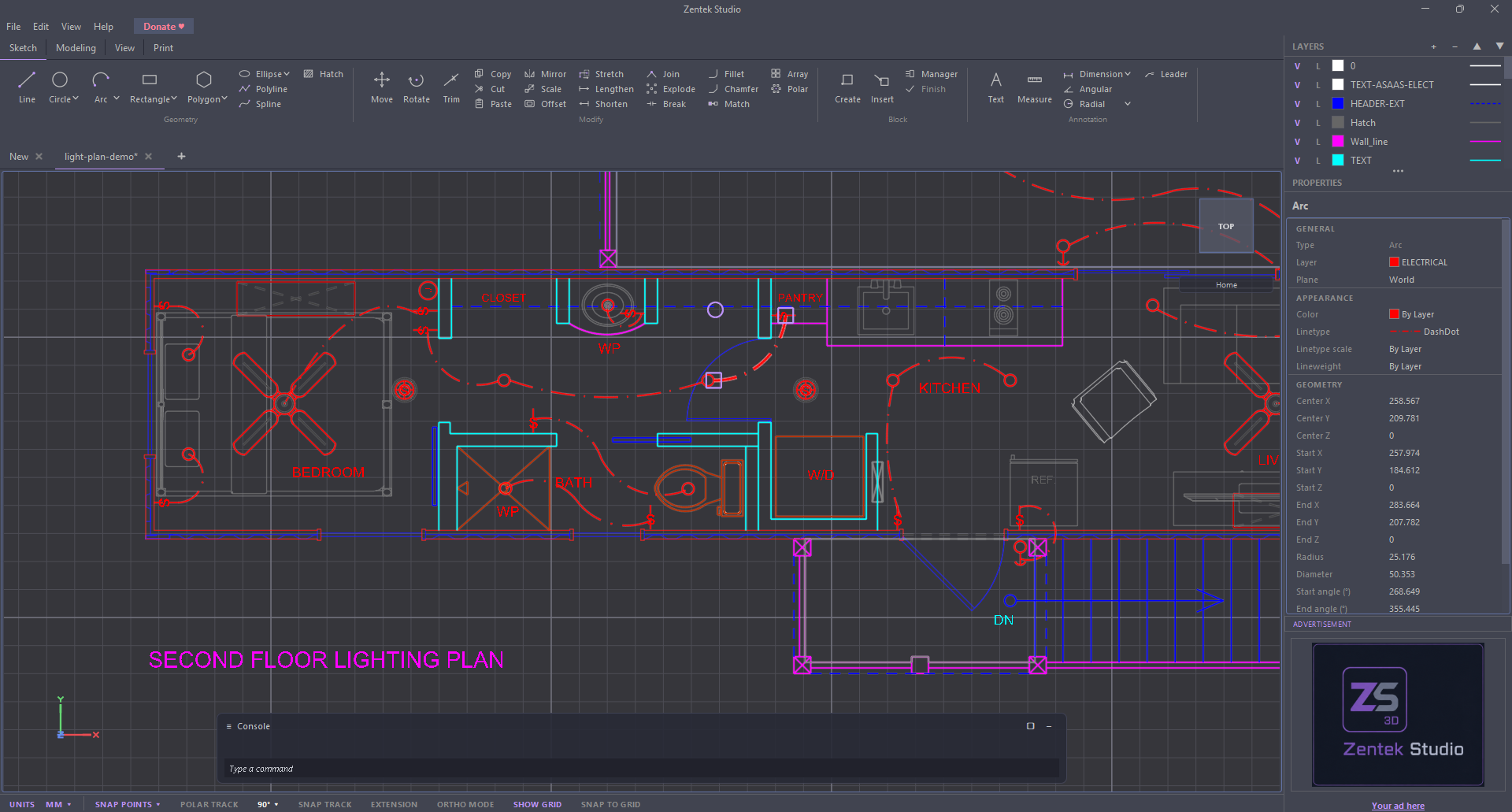
2D drafting
Lines, arcs, circles, polylines, splines, hatch, text, blocks and dimensions — with object snapping, layers and exact keyboard input.
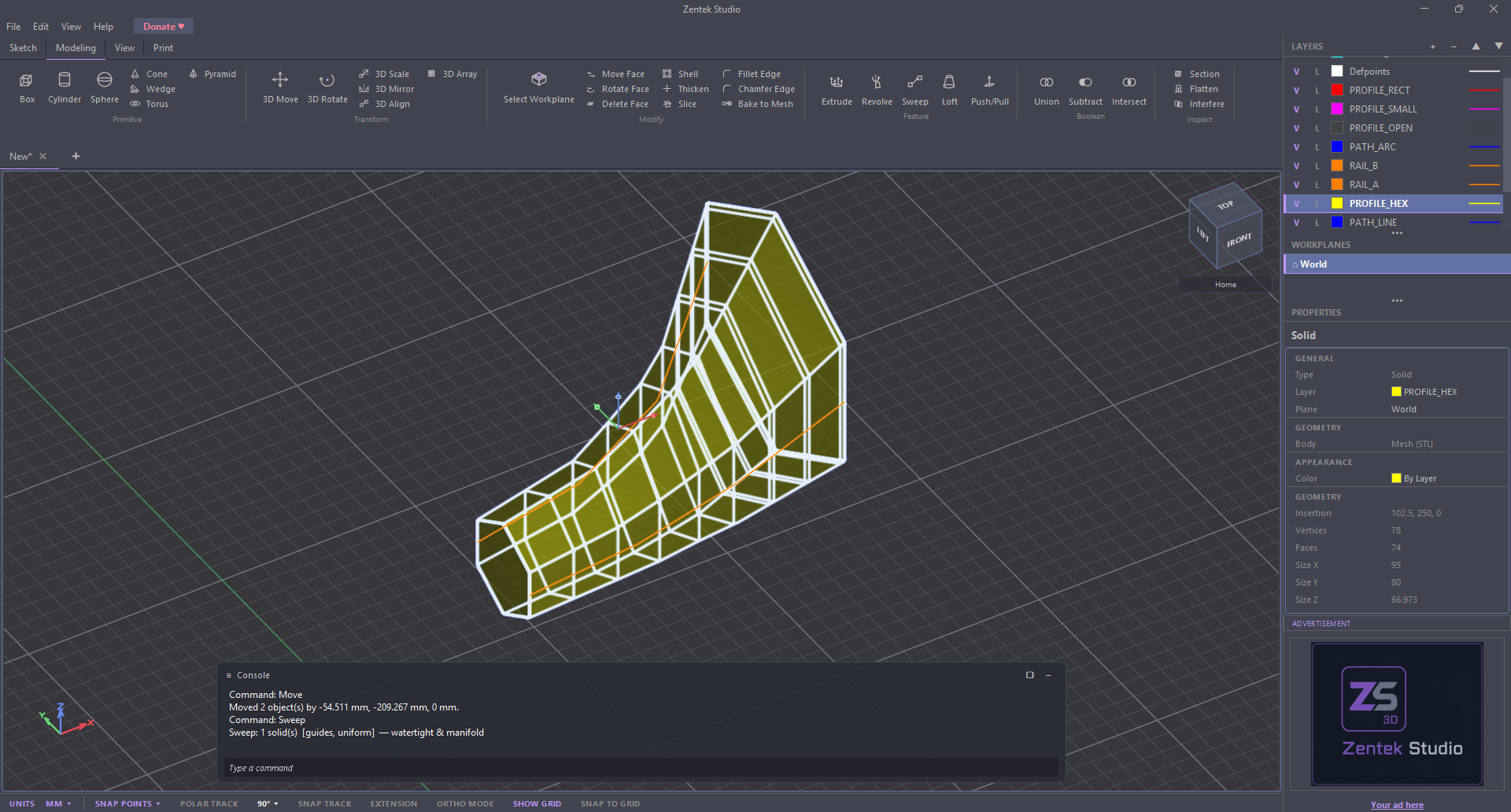
3D solid modeling
Primitives, extrude, revolve, loft, sweep and push/pull, plus booleans, shells and edge fillets & chamfers.
Exact or mesh
Build precise analytic bodies with true curves, or freeform meshes. (Analytic bodies are still work in progress).
Import & export
Import DXF, STL and OBJ.
Export to STEP (exact surfaces), DXF, STL, OBJ, images and print. 3D‑printing ready.
Real units
Work in millimetres or inches and switch anytime — your geometry never changes, only how it reads.
Yours & offline
A native desktop app. Files stay on your machine, and autosave recovers your work if anything crashes.
Take a look
A look at Zentek Studio in action — 2D drafting and 3D modeling in one app.
Download the beta
Free to use, no account required to start designing.
Installer 27.7 MB · about 101 MB once installed.
Only Windows for now. The beta ships as a native Windows app. macOS and Linux builds are planned in the future.
Minimum requirements
| Operating system | Windows 10 or Windows 11 (64‑bit) |
| Processor | 64‑bit x64 CPU, dual‑core or better |
| Memory | 4 GB RAM (8 GB recommended for large models) |
| Graphics | GPU with OpenGL 3.0+ and up‑to‑date drivers. A dedicated graphics card is recommended for heavy 3D work. The 3D viewport runs best on real hardware acceleration. |
| Disk space | ~150 MB free (27.7 MB download, about 101 MB installed) |
| Display | 1280 × 768 or higher |
| Runtime | single self‑contained binary |
It's a public beta — and it's free. Expect the occasional rough edge. Your work is saved automatically and recovered after a crash, and you can send feedback or suggestions any time from Help ▸ Report a Bug/Suggestion in the app, or email support@zentekstudio.com.
Advertise in Zentek Studio
The free version shows a single, non‑intrusive ad in the side panel — it's how we help keep the app free. It's also a clean, brand‑safe way to reach engineers, designers and makers who spend hours in a CAD tool.
Simple pay‑per‑impression pricing, no user tracking or profiling. Static image, animated GIF, HTML5 or video creatives — live in minutes.
See advertising optionsContact us
Questions, bug reports and suggestions all go to the same place.
Found a bug, hit something confusing, or want a feature? Tell us. During the beta that feedback is the most useful thing you can send. You can also report from inside the app under Help ▸ Report a Bug/Suggestion, which attaches your version automatically.
✉ Email support@zentekstudio.comSupport Zentek Studio 💜
Zentek Studio will always have a free version. The public beta is free today, and while some advanced features may become paid down the road, the core app stays free for everyone.
If it saves you time and you like it, a donation helps cover hosting and keeps the free version growing. Every bit — big or small — genuinely helps. Thank you. 💜
♥ Donate